First install Windows Media Services using which ever link is pertinent to you.
How to install Windows Media Services in Windows Server 2008
How to install Windows Media Services for Windows Server 2008 R2
Once that is done open the necessary console and navigate to create a new Publishing Point

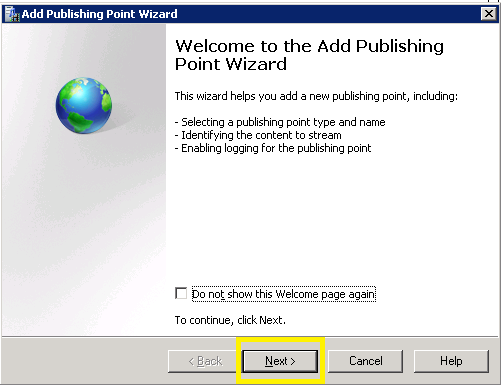
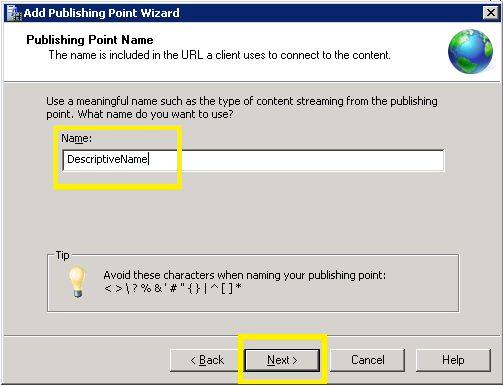
Select the appropriate option, since we are doing live streaming
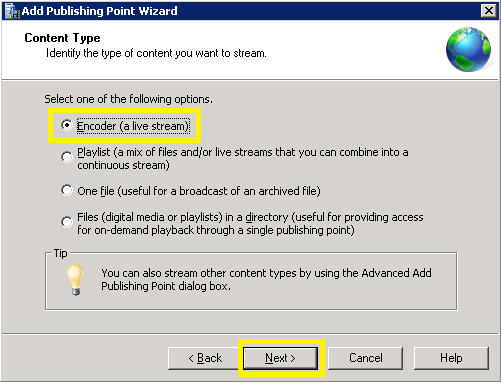
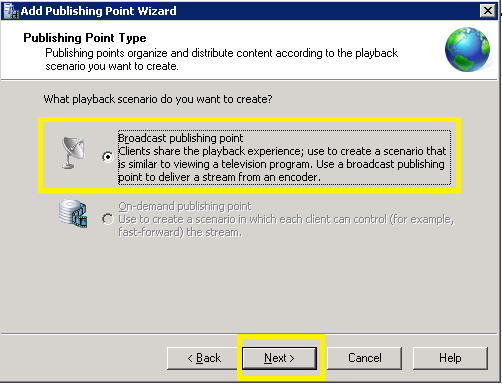

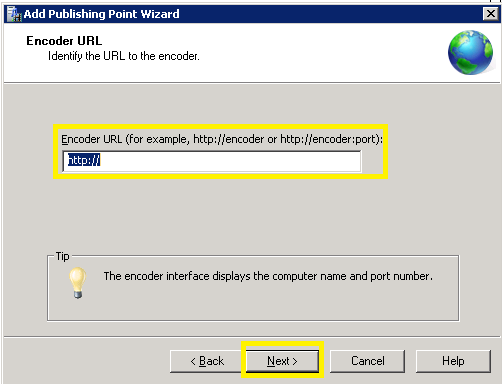
For the Encoder URL, the following are for South Africa
http://196.35.68.110/highveld_22 – Highveld
http://196.35.64.36/5fm_22 – 5FM
http://196.35.64363/702_16 – Radio 702
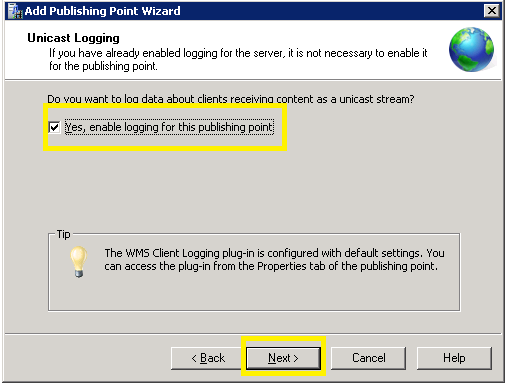
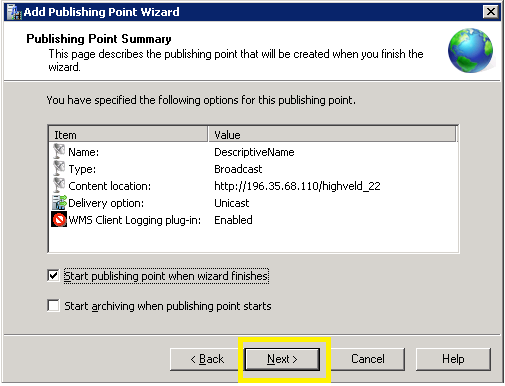
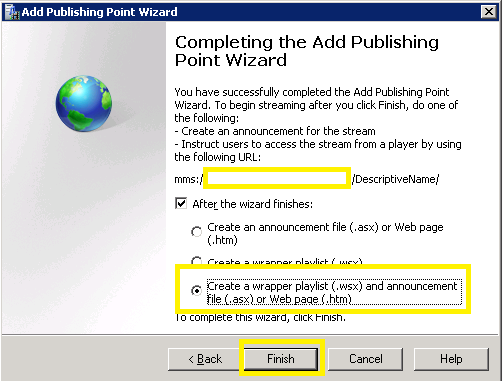
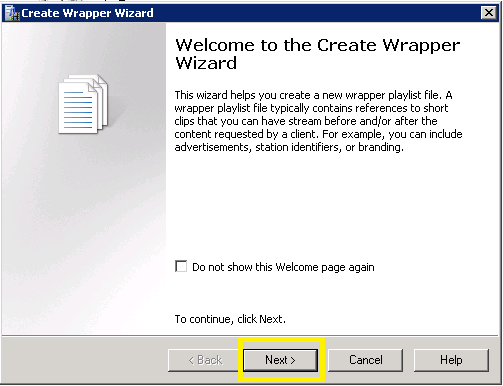


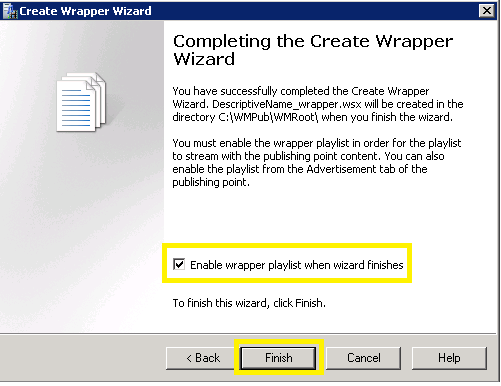
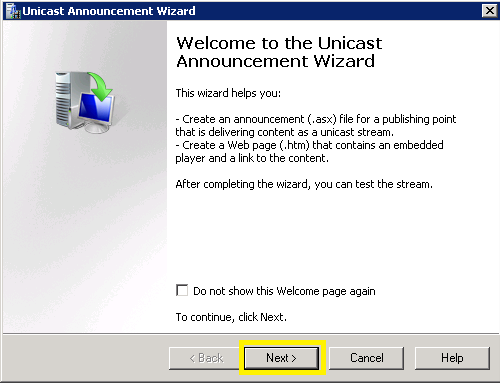
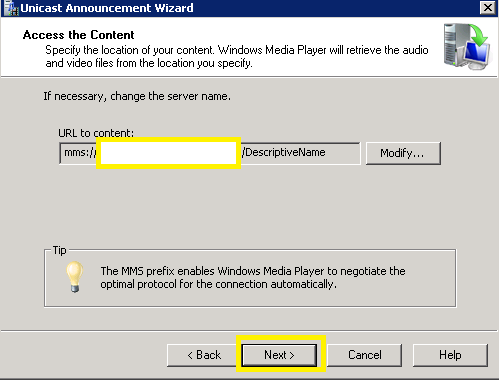

Fill in whatever additional information you want
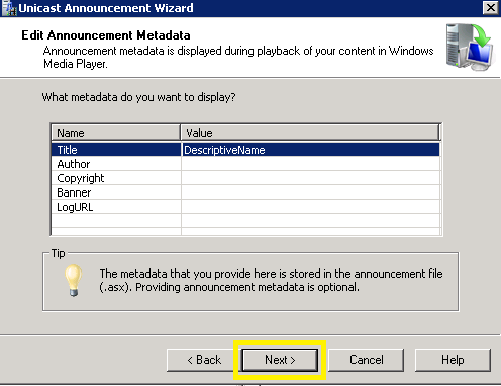
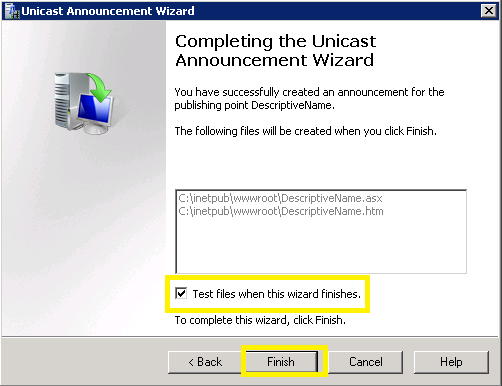
Test as necessary and then exit

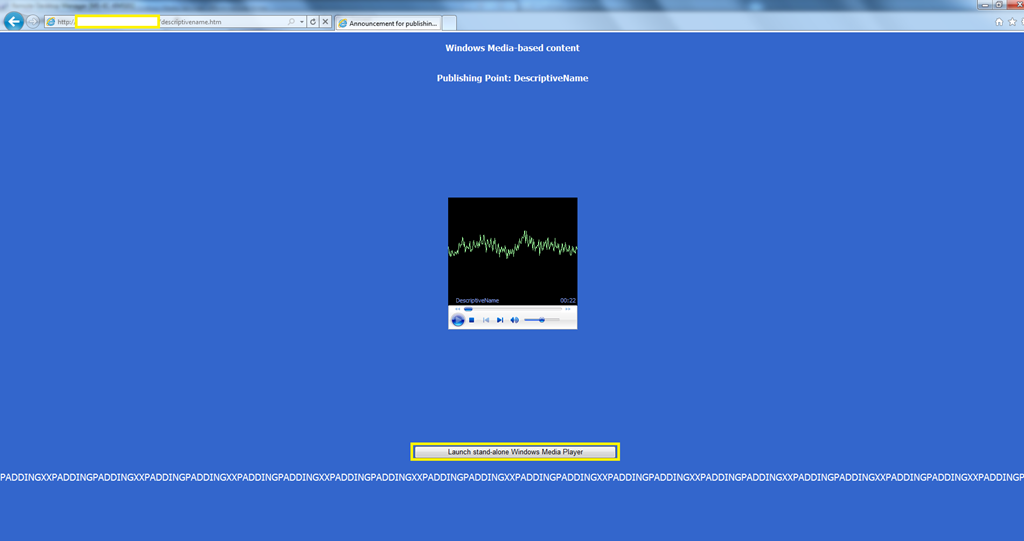
You can listen online or open a standalone Windows Media Player
/descriptivename.htm">/descriptivename.htm">http://<fqdnofyourstreamingserver>/descriptivename.htm
Hope you enjoy this as much as we do.
We have also taken this a step further and locked down you can access the URL.
We have also blocked all Streaming Media, we are controlling this via ACL’s.
“EMBRACE YOUR INNER GEEK AND
ROCK ON”
 Fletcher's Cloud Blog
Leave a comment