1. Check and see if there is an Exchange Recovery Storage Group created and mounted
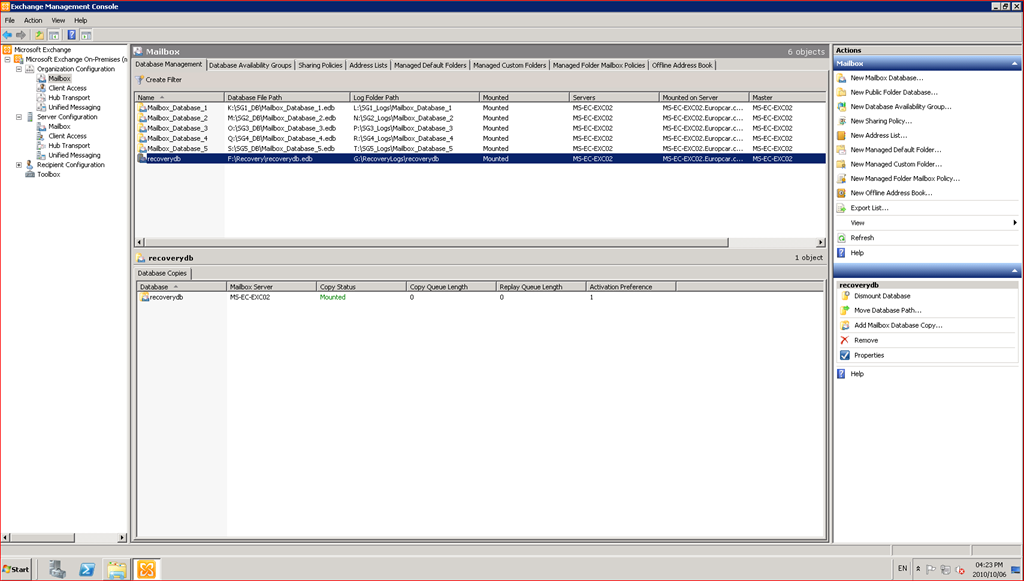
This one has a Recovery Storage Group created and is mounted
If there is NO Recovery Storage Group created, the syntax is below (sample below)
New-MailboxDatabase -Recovery -Name rdb1 -Server ms-ec-exc02 -EdbFilePath "F:\Recovery\rb1.edb" -LogFolderPath "G:\RecoveryLogs\rdb1"
http://technet.microsoft.com/en-us/library/ee332321.aspx for more information if needed.
2. Before doing the restore, ensure that the "This database can be overwritten by a restore"

3. Now it is time to restore the data
Open the DPM Console, open the Recovery Tab and select the server and type of Data, using fletcher.kelly as a sample
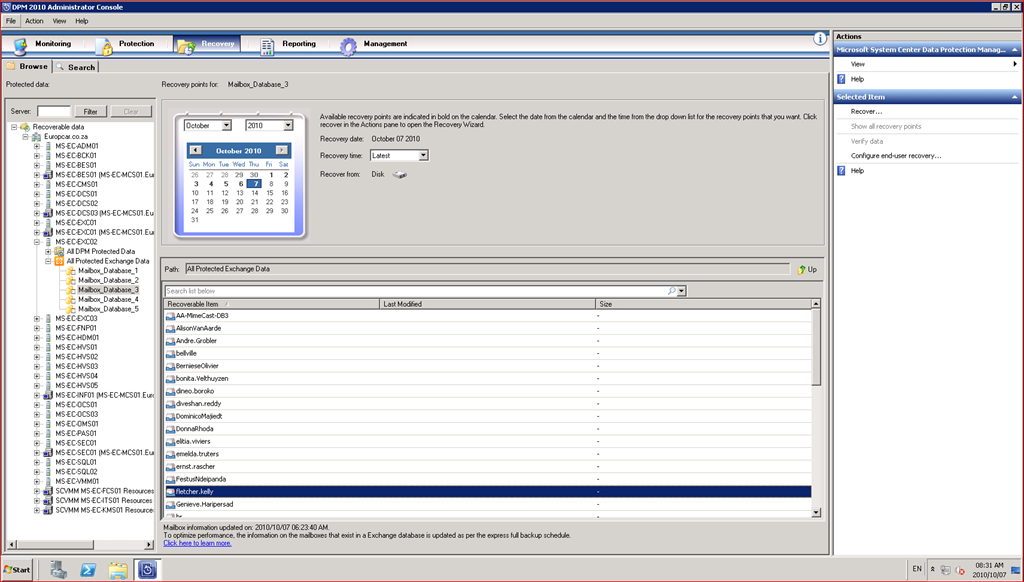
4. Right Click and Choose Recover

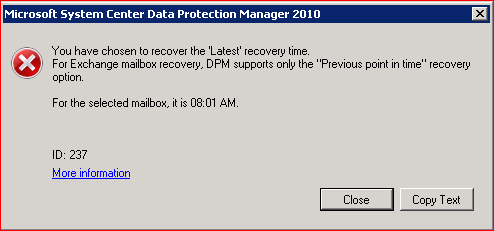
5. Please note this is a standard error with DPM and Exchange and the Latest Point Recovery
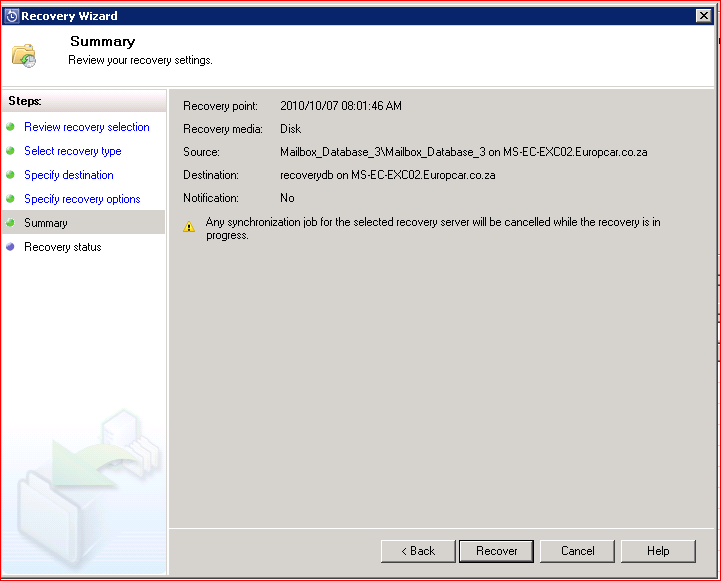
6. Run through the Recovery Wizard
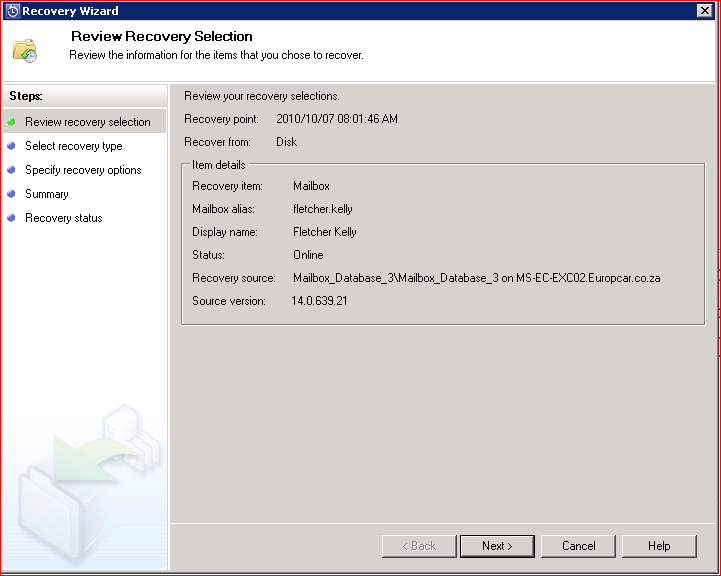
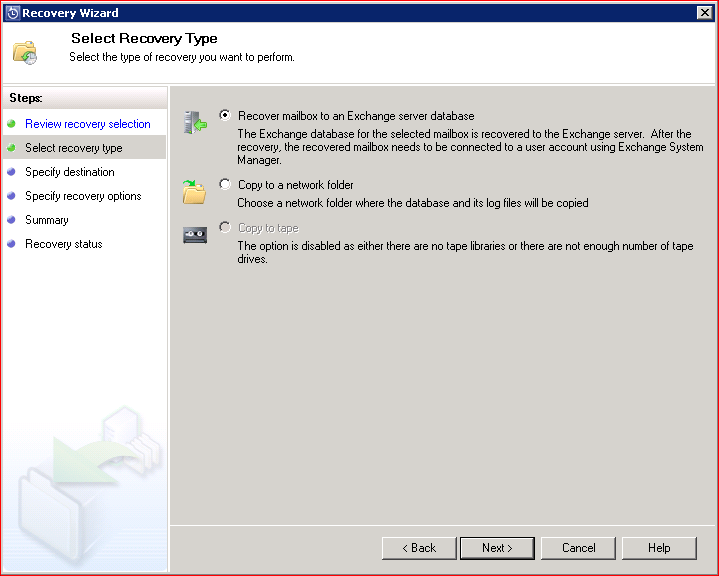
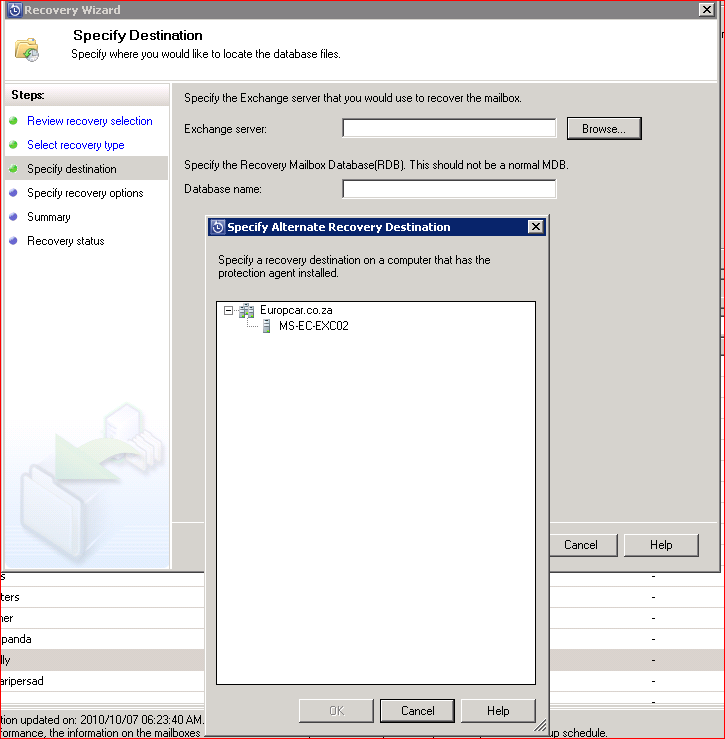
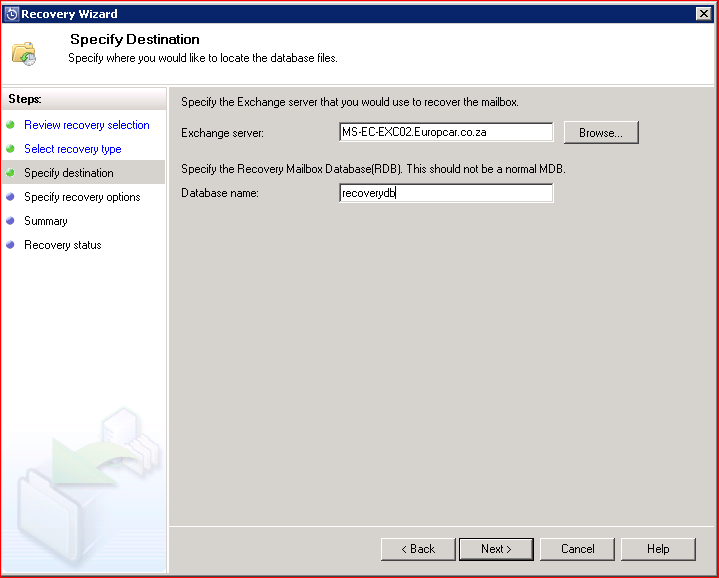
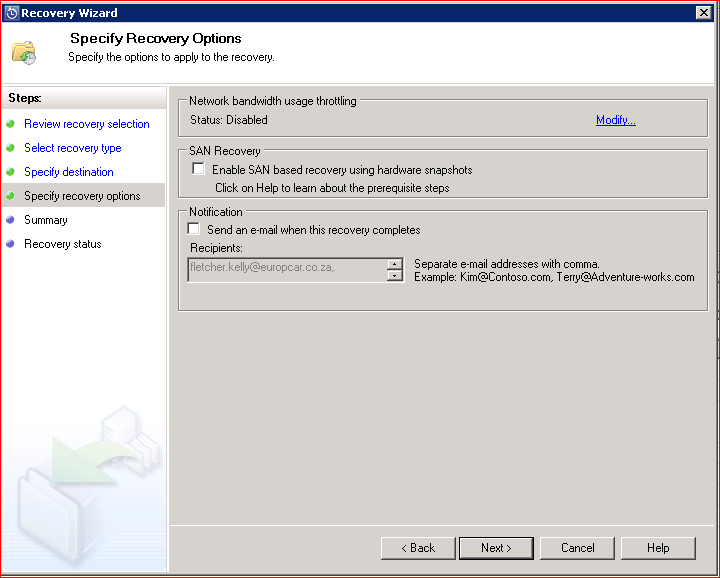
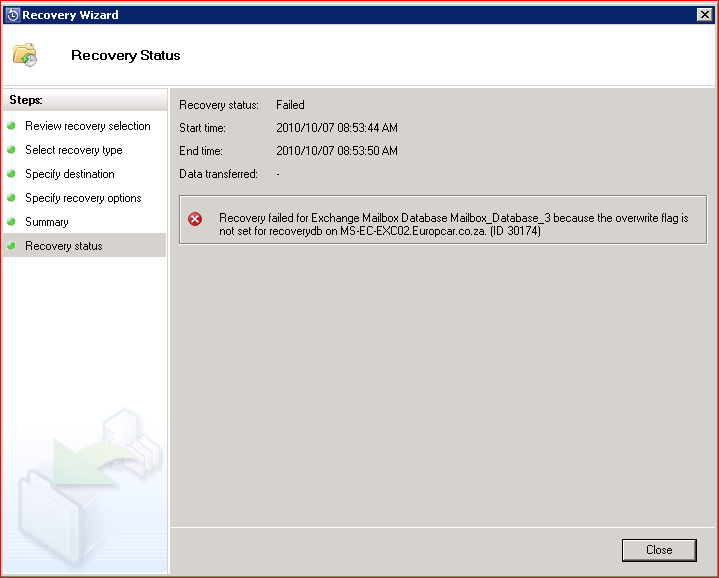
If you get the error below, please ensure that the recovery flag and checkmark as per earlier steps is enabled
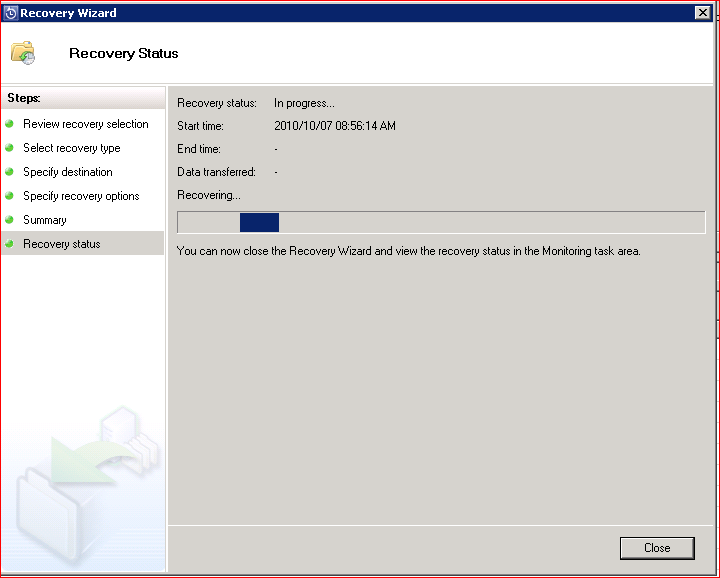
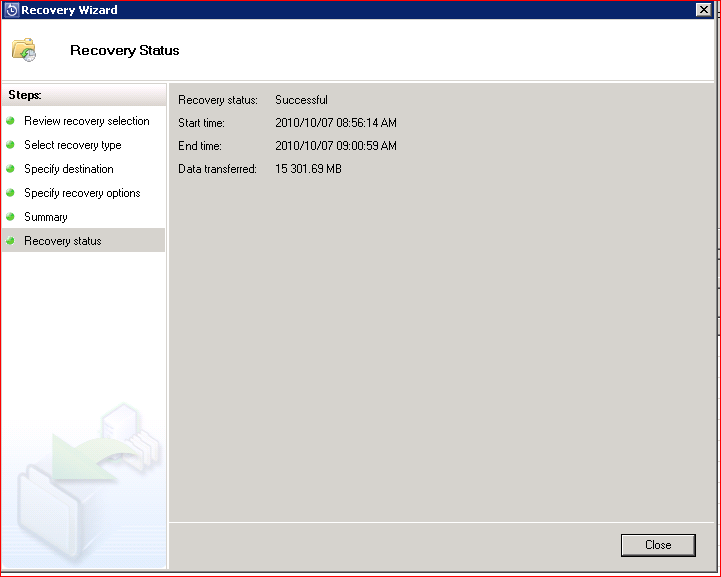
The recovery process will take some time
7. Now run the following command from the Exchange Management Shell
[PS] C:\Windows\system32>Restore-Mailbox -Identity recovery -RecoveryDatabase recoverydb -RecoveryMailbox "fletcher kelly" -TargetFolder Fletcherkellyinbox -IncludeFolders \Inbox -BadItemLimit 100
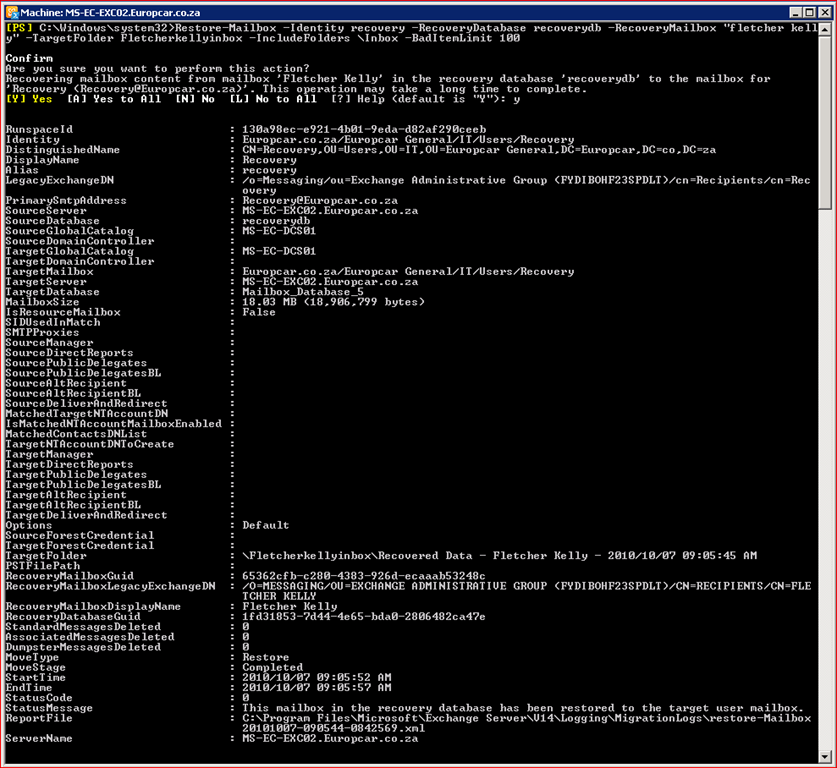
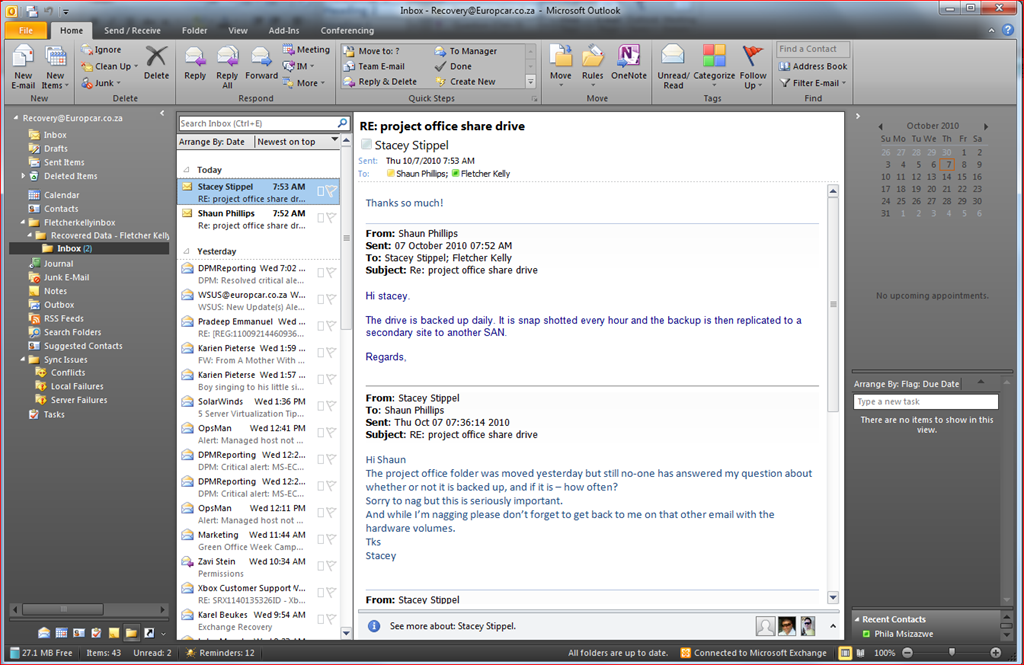
- You can now Open the Mailbox and backup and merge the data
“EMBRACE YOUR INNER GEEK AND ROCK ON”
 Fletcher's Cloud Blog
Leave a comment